Cloud Cost Optimization
Most organizations running cloud for more than a year are paying 20-40% more than they need to. Not because the cloud is expensive — because usage grows faster than governance does. We find the waste, fix the governance, and keep it from coming back.
Schedule a Free ConsultationCloud billing is opaque by design — providers present granular line items that are hard to connect to actual business value. A team provisioning a test environment forgets to shut it down. An application gets over-provisioned "to be safe" and stays that way. Data transfer charges accumulate unnoticed. Reserved Instance coverage drifts as the workload mix changes. None of these are disasters individually, but they compound.
Cloud cost optimization isn't a one-time exercise — it's an operational discipline called FinOps. The FinOps framework describes three phases: Inform (make costs visible), Optimize (act on what you see), and Operate (make optimization continuous). We help organizations build all three, not just generate a report of what to cut this quarter.
Where cloud waste comes from
Cloud waste is rarely one big line item. It's dozens of small decisions that compound over months and years.
Oversized instances
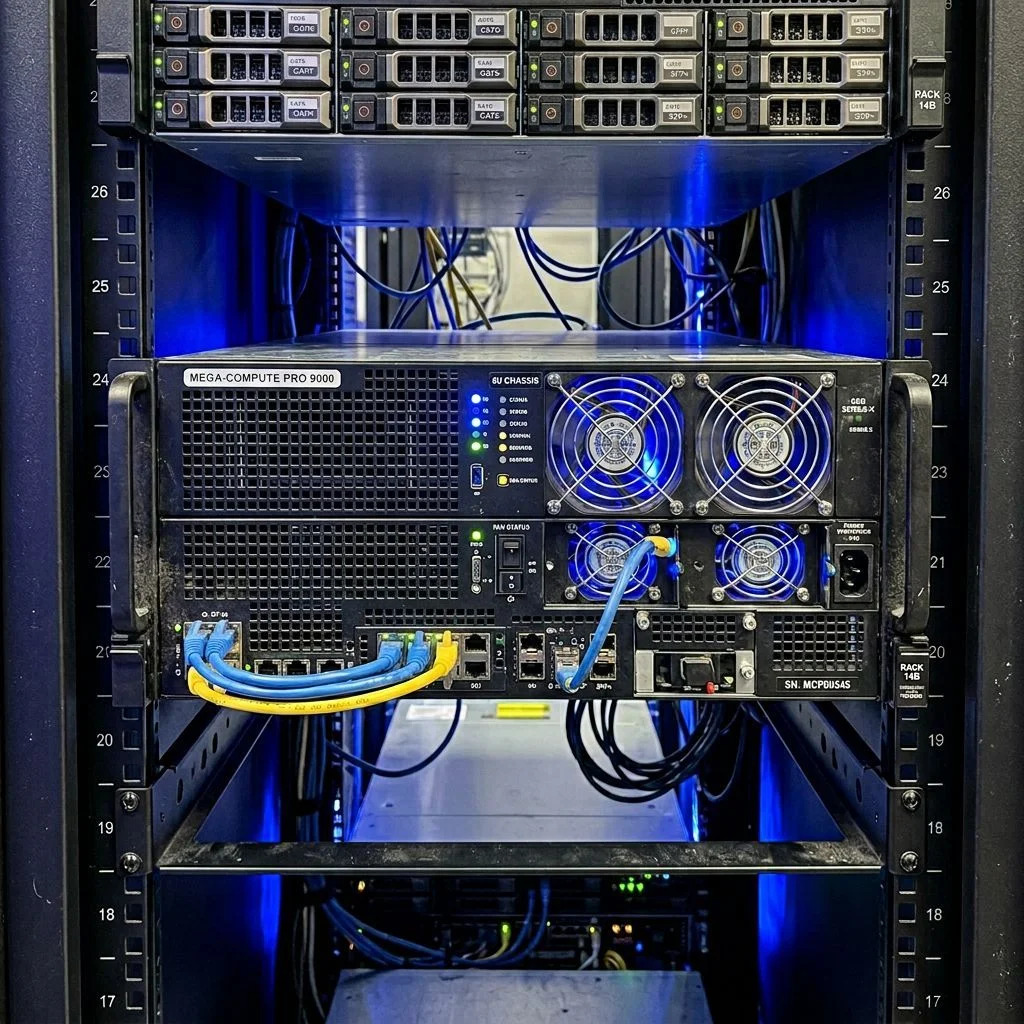
The most common source of waste. Instances provisioned at peak capacity with a large safety margin that never get right-sized. CPU utilization below 20% on production workloads is common. We analyze actual utilization metrics over 2-4 weeks before recommending changes — not just current utilization, which may not capture peaks.
Idle and unattached resources
Stopped EC2 instances still incur EBS charges. Unattached volumes, orphaned snapshots, unused Elastic IPs, and idle load balancers continue billing without doing anything useful. We identify every idle resource with owner identification so nothing is deleted without team confirmation.

On-demand pricing for stable workloads
On-demand is the most expensive way to run continuous workloads. Reserved Instances and Savings Plans offer 30-72% discounts for 1-3 year commitments. We analyze utilization patterns, identify commitment opportunities, and model the breakeven and savings for each option.

Data transfer and egress charges
Data transfer is often the most surprising item on cloud bills. Egress, cross-region transfer, and cross-AZ traffic all generate charges. Architecture decisions — cache placement, service communication, backup storage — have direct cost implications. We identify high-transfer patterns and recommend feasible changes.
Non-production environments running 24/7
Dev, staging, and test environments often don't need to run continuously. Scheduling them to stop outside business hours can reduce their cost by 60-70%. We identify environments where scheduled shutdown is feasible and implement start/stop automation.
Missing tagging and cost allocation
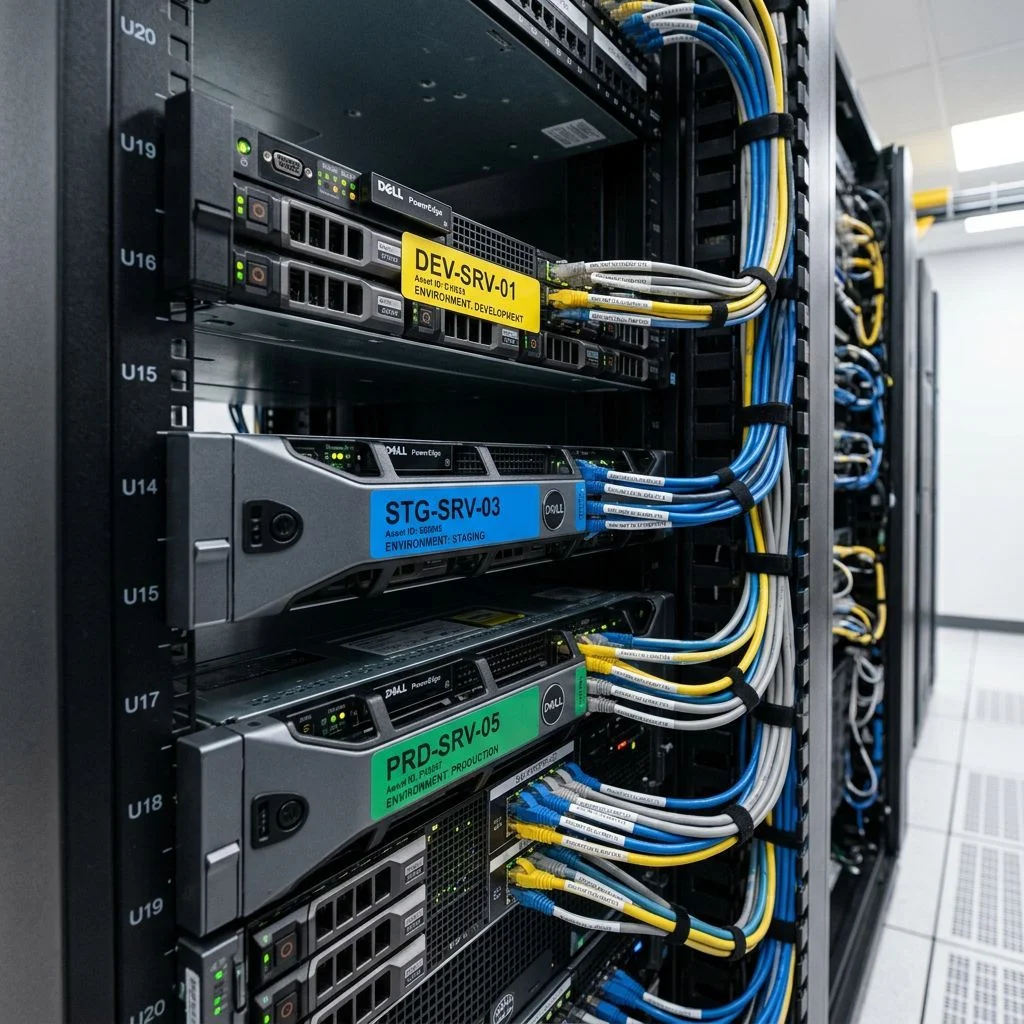
Without consistent resource tagging, you can see what your cloud costs but not why. You can't allocate costs to teams, products, or projects. We define tagging standards, implement enforcement via policy (SCPs, Azure Policy), and build cost allocation reports from the tag structure.
How a cost optimization engagement works
Billing analysis and cost baseline
Pull 3-6 months of billing data and build a clear picture of cost by service, region, account, and tag. Identify the top cost drivers and where costs are growing fastest.
Resource inventory and utilization review
Inventory all running resources and pull utilization metrics. Identify oversized instances, idle resources, and unattached volumes. Cross-reference with tags to identify ownership.
Commitment coverage analysis
Analyze what proportion of baseline compute is covered by Reserved Instances or Savings Plans. Model the optimal commitment portfolio with specific purchase recommendations and expected savings.
Governance implementation
Define and implement tagging standards, budget alerts, and cost allocation structure. This is the preventive layer — making it harder for waste to accumulate unnoticed going forward.
Remediation and reporting
Execute or guide execution of quick-win optimizations. Establish monthly cost reporting so the gains are visible and drift is caught early. The goal is a cost management process your team can run, not ongoing dependence on external review.
What you receive
Engagement deliverables
Cost optimization report
ActionableItemized findings with estimated savings for each optimization. Grouped into immediate actions (days), short-term (weeks), and governance improvements (ongoing).
Reserved Instance and Savings Plan recommendations
ModeledSpecific commitment recommendations with modeled savings, break-even analysis, and guidance on commitment type (1yr vs 3yr, full upfront vs monthly).
Tagging standard and enforcement policy
EnforcedTag taxonomy for cost allocation, with enforcement via cloud-native policy. Required tags, optional tags, and how to handle legacy untagged resources.
Budget alerts configuration
AutomatedBudget thresholds set at account, service, and tag level with alerting to the right people. Anomaly detection configured to flag unexpected cost spikes.
Cost allocation dashboard
VisibleMonthly cost view by team, project, or product using the implemented tag structure. Showback reporting so teams see what they're consuming.
Non-production scheduling automation
AutomatedAutomated start/stop schedules for dev and test environments with team-configurable overrides for when environments need to run outside normal hours.
Who this is for

- → Organizations whose cloud spend has grown faster than expected and leadership wants to understand why
- → Resort groups and hospitality businesses in the Maldives managing cloud spend across multiple island properties with no consolidated cost view
- → Engineering teams that know they have waste but don't have the time or billing expertise to identify and address it systematically
- → Companies running multiple accounts or subscriptions with no consolidated view of total cloud spend
- → Businesses with mostly on-demand compute that want to model Reserved Instance or Savings Plan purchases
- → Organizations preparing for budget cycles that need defensible cloud cost projections
- → Any organization that wants cost allocation by team or project but doesn't currently have the tagging structure to enable it
Find out what you're actually spending and why
Start with a free consultation. Share your rough cloud spend and we'll tell you where we typically find the most waste for environments like yours.
Schedule Free Consultation